Get started
Two pieces, five minutes
Vibe Walker is a Mac app (the engine) plus a companion on your phone. The Mac app is a direct download; your phone runs the web app — so there's no App Store to wait on.
Step 1 · On your Mac
Download the app
Open it and grant Accessibility, Screen Recording and Microphone when asked — a built-in setup screen walks you through each one.
Download for Mac- Signed & notarized by Apple · macOS 13+
- Not on the Mac App Store — it drives your Terminal and screen, which the sandbox forbids. A direct download is the right way.
Step 2 · On your phone
Pair & add to Home
The Mac app shows a pairing code. Scan it with your phone camera, then Add to Home Screen — it runs like a native app. No App Store, no install.
- Your phone talks only to your own Mac, over your own connection.
- On the same Wi-Fi it connects locally; away from home it uses a private link.
That's the whole thing
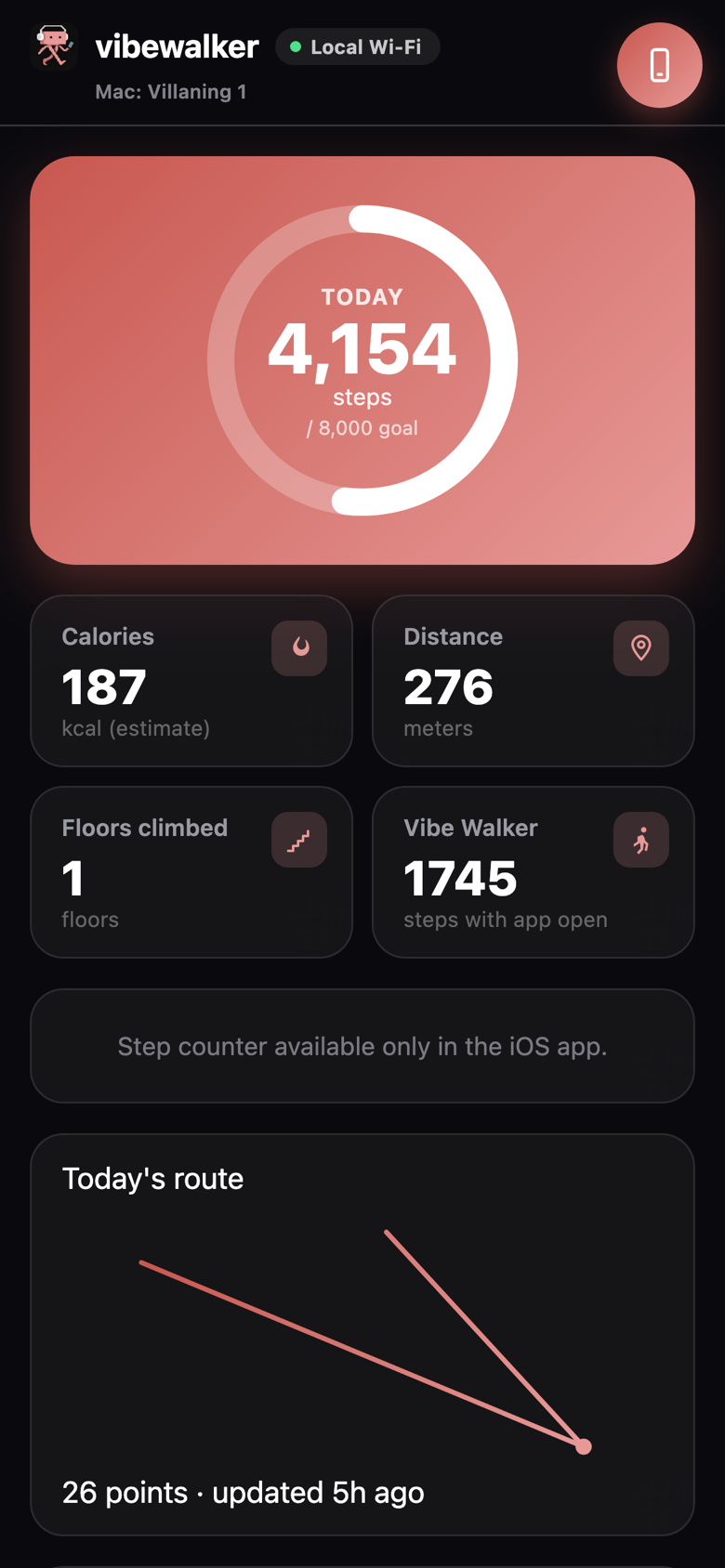
Mac app downloaded, phone paired. From here you hear your sessions, steer them, and walk — while Vibe Walker counts the steps.
See how it works →Currently in private beta. Vibe Walker only ever controls your own Mac, over your own connection — see our privacy policy.